
claude-kit
Bundle your Claude Code assets.
Apply them anywhere.
A desktop app for managing skills, commands, agents, hooks and MCP configs as reusable bundles — imported from the marketplace, polished by AI, applied to any project via symlinks in .claude/ or snapped on from any terminal with ck apply.
What's inside
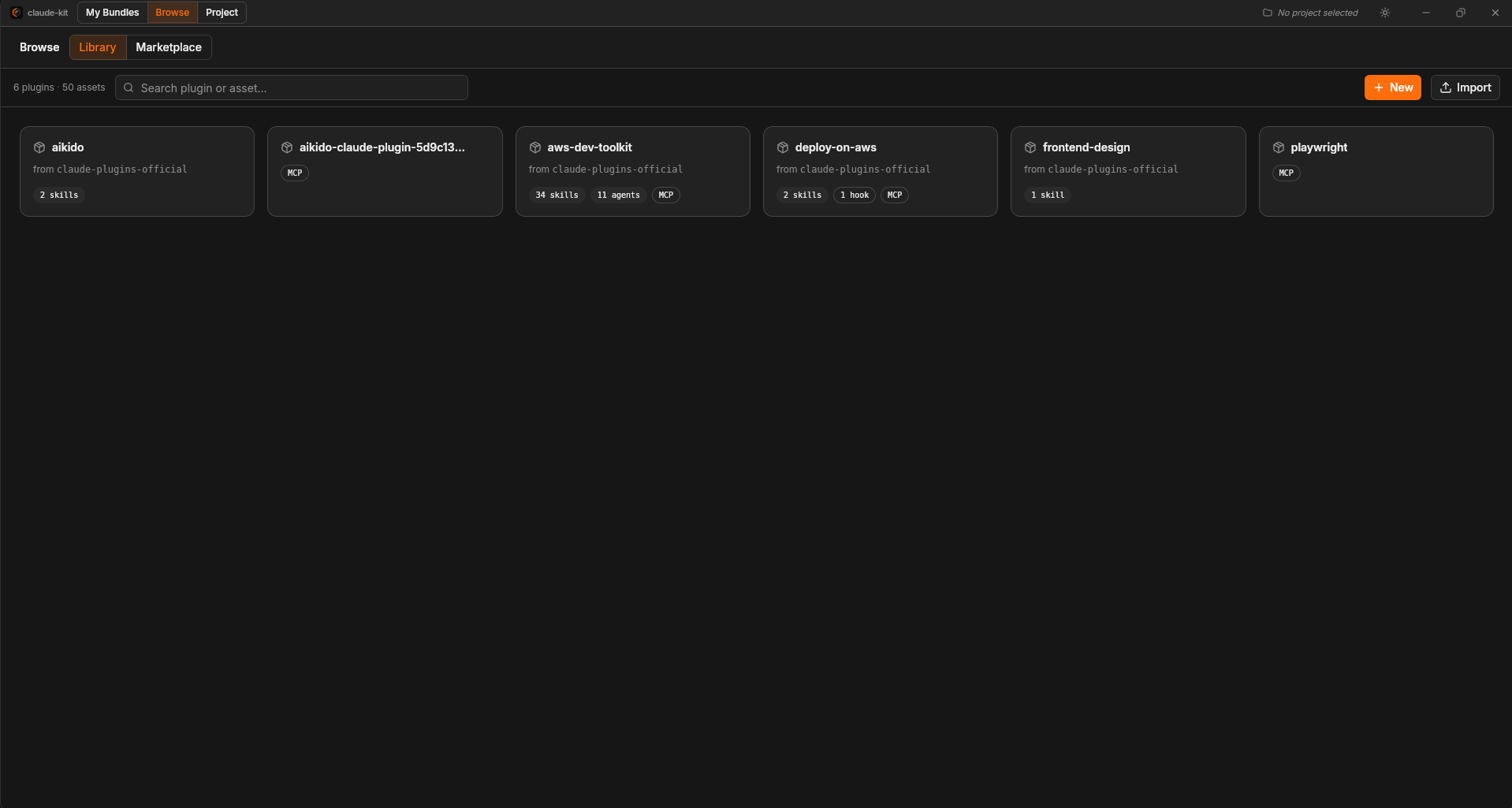
Plugin library
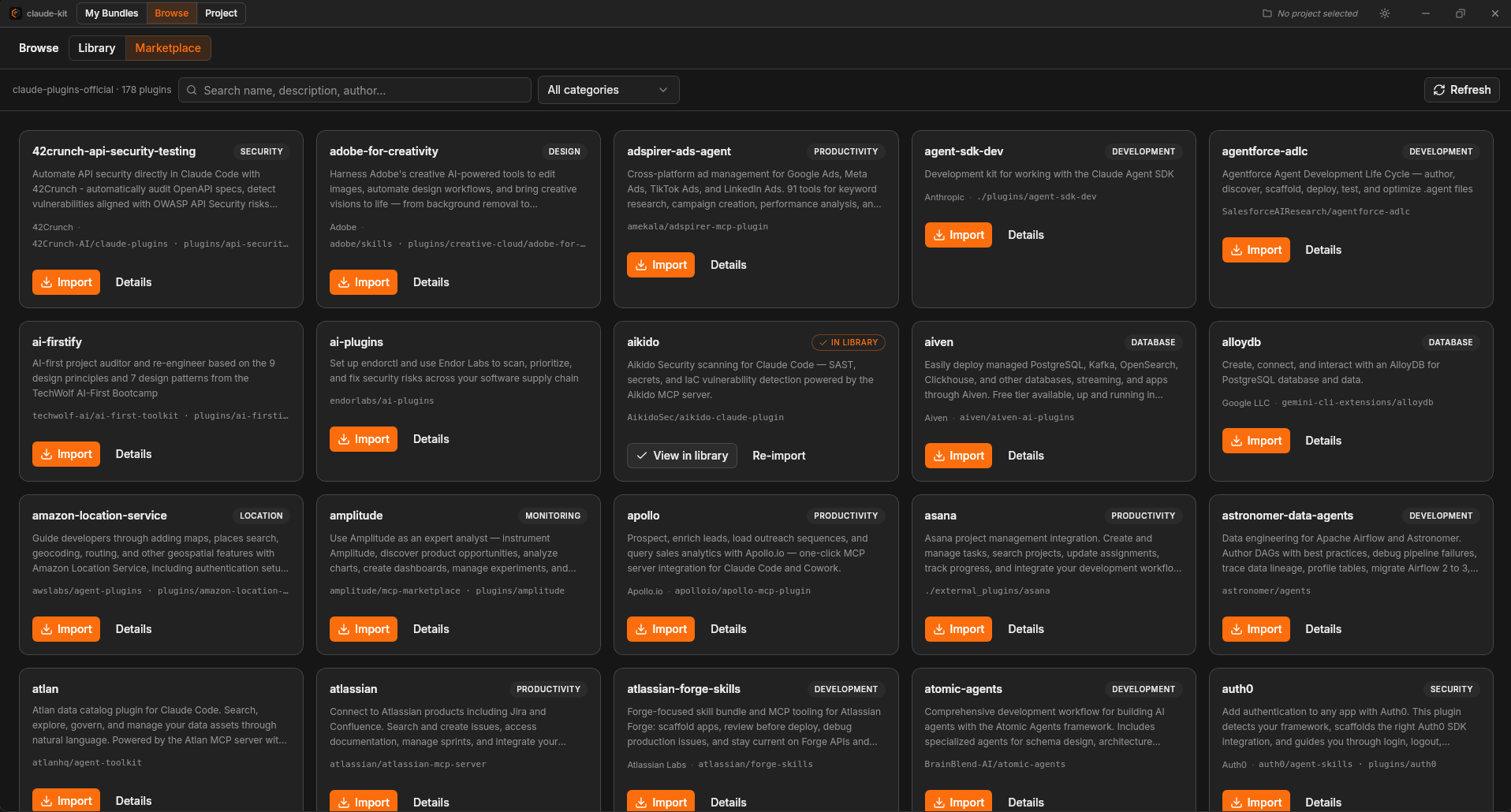
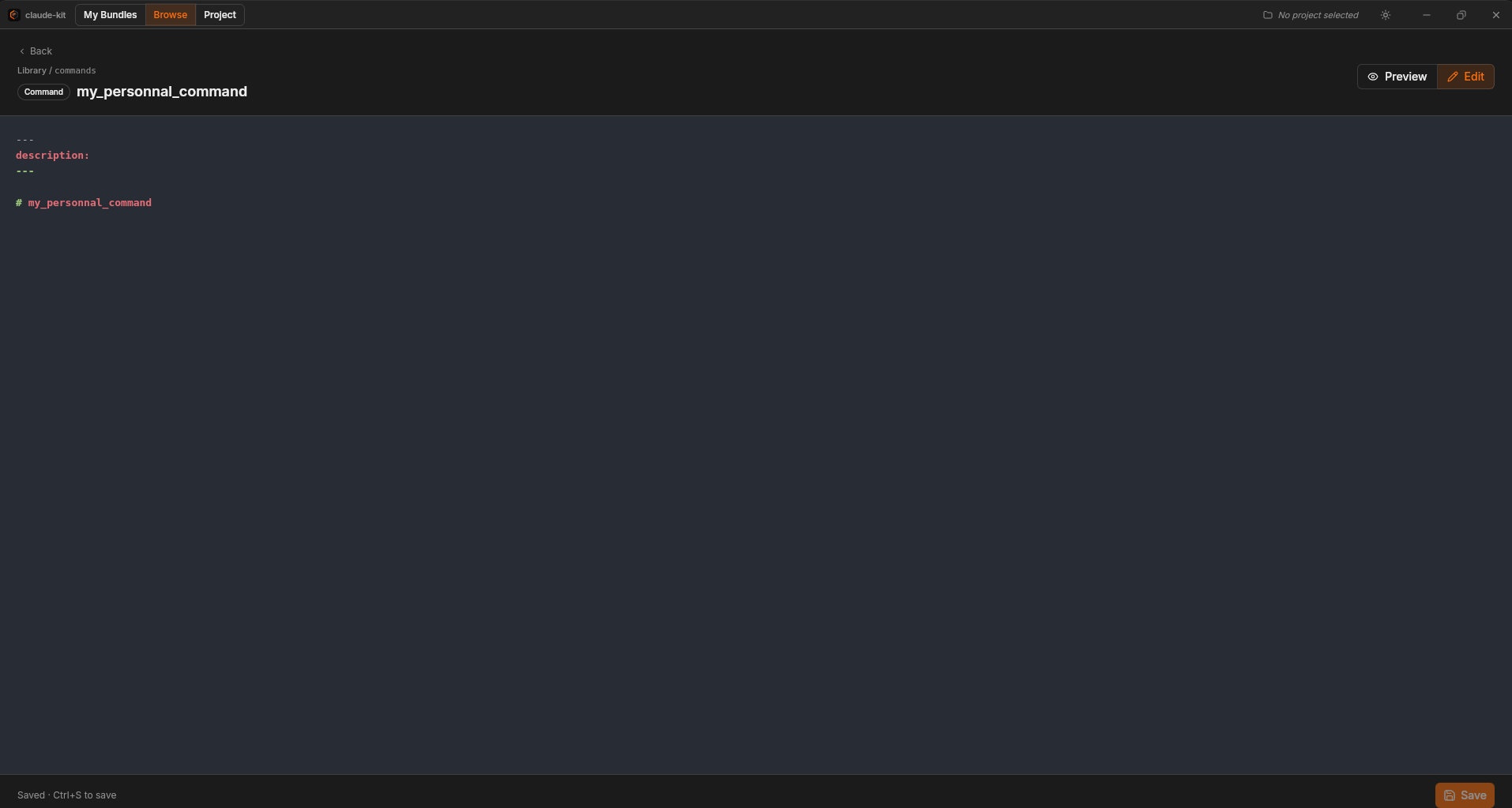
Import from the official marketplace, community sources, or any local folder. Create hooks and MCP configs from scratch directly in the app. Everything lives in one central library you curate over time.
Bundles
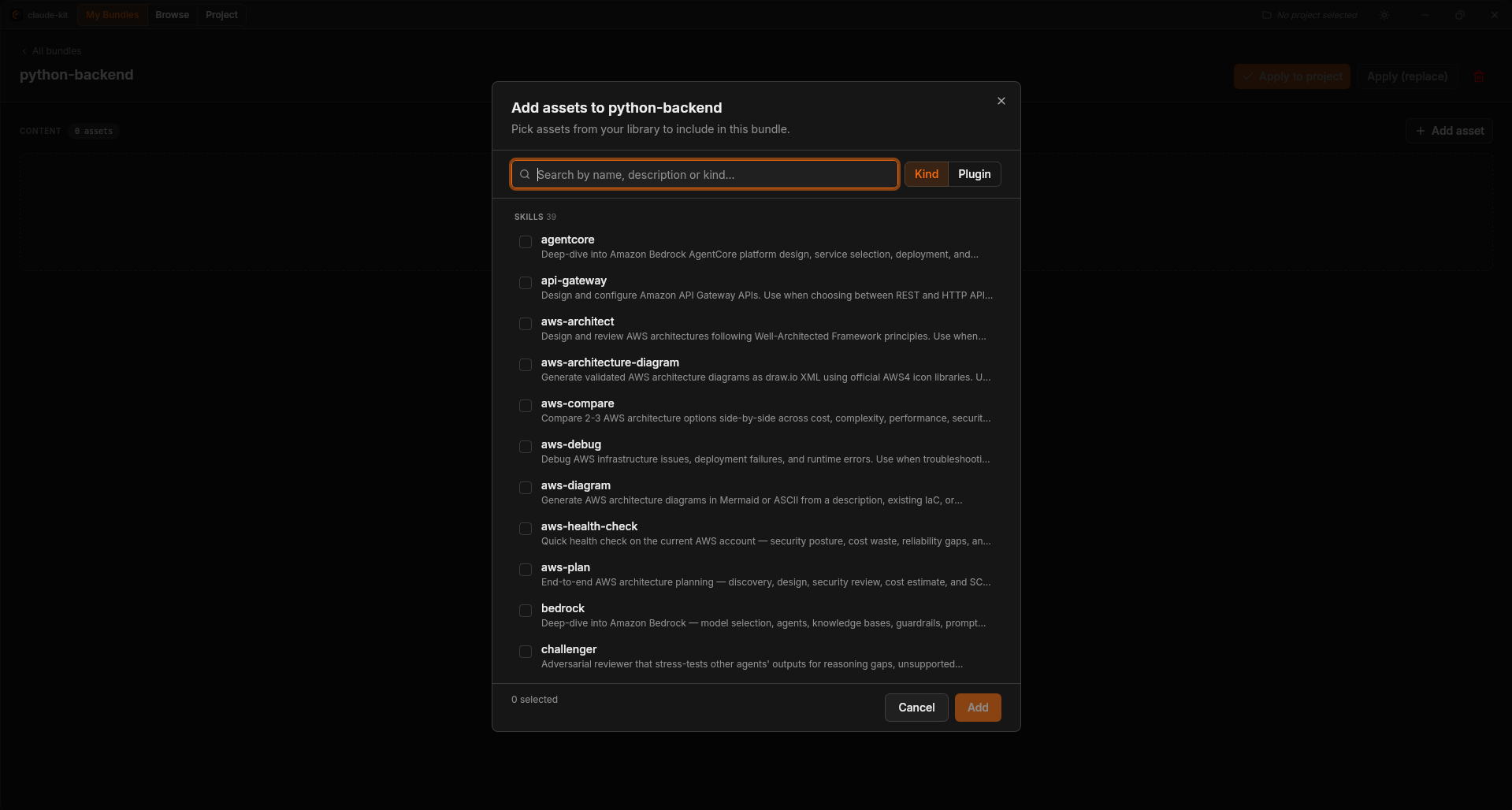
Group assets that belong together and apply them to any project in one click — relative symlinks under .claude/, no duplication on disk.
Bundle sharing
Export any bundle as a compact share code (ck1:…). Content is embedded — hand-edited and AI-harmonized assets travel with the code, no server needed.
AI flows
Generate assets or hooks from a prompt, refine them through a streaming chat, or build a full bundle in one conversation. Harmonize a bundle to bridge workflow gaps between plugins. Per-hunk diff review before anything hits disk.
Plugin updates
When a plugin gains a new version, review each changed hunk before overwriting. Local edits are never silently replaced.
CLI — <code>ck</code>
Apply bundles from any terminal without opening the app. ck apply <bundle> drops the right symlinks in the current project. ck list, ck installed, ck clean round out the toolbox.
How it works
Import
Browse the official marketplace or drop in a local folder. Everything lands in ~/.claude-assets/library/.
Bundle
Group the assets that go together. Name it python-backend, web-frontend, whatever fits.
Apply
One click in the app — or ck apply <bundle> in any terminal. Relative symlinks appear under .claude/. Switch project, apply a different bundle.
Share
Export a bundle as a compact code. A teammate pastes it in — assets arrive with all your modifications intact.
Screenshots
Ready to start?
Free and open source — MIT License.